AI Photo Gallery for YDAPC Members
AI Gallery for images created by Image generating software.
These images will be posted for 90 days.
YDAPC members may submit two photos every 90 days.
Click any image to enlarge.
Click HERE to see the AI Photo Submission Guidelines.
Click HERE for AI submission form. |
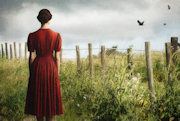
“Jane's World”
I took an AI image of a "1930's era woman from the back in the style of Andrew Wyeth" (generated in CoPilot after many failed tries) and added her to my own photo taken in rural Sonoma County. I added some birds with a brush and then tried to unify tones and colors with a Luminar LUT. Then I took the image into Topaz Studio for a painterly look with a slight canvas texture. I named her Jane after my mother. :-)
|
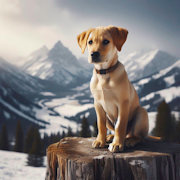
“Puppy Sage in the Mountains”
Martha Court
Image created using Bing/Copilot AI software using prompt "Yellow Labrador puppy sitting on a log in the mountains". The puppy just happened to turn out looking just like our dog, Sage.
|

“Hiker”
Pati Watkins
Used Bing's image creator AI software to create a mountain hiker with impressionistic style
|

“My Guilty Pleasure”
Dave Brez
Finely detailed photograph of a white cupcake with blue frosting with a huge bite taken out of the cupcake and the frosting in a box of 5 other untouched cupcakes
|

“Guilty Pleasure”
Stephanie Brown
I used Image Creator by Bing with a prompt of smoking woman with cigarette in hand film noir 1940s style. No longer a smoker-
|
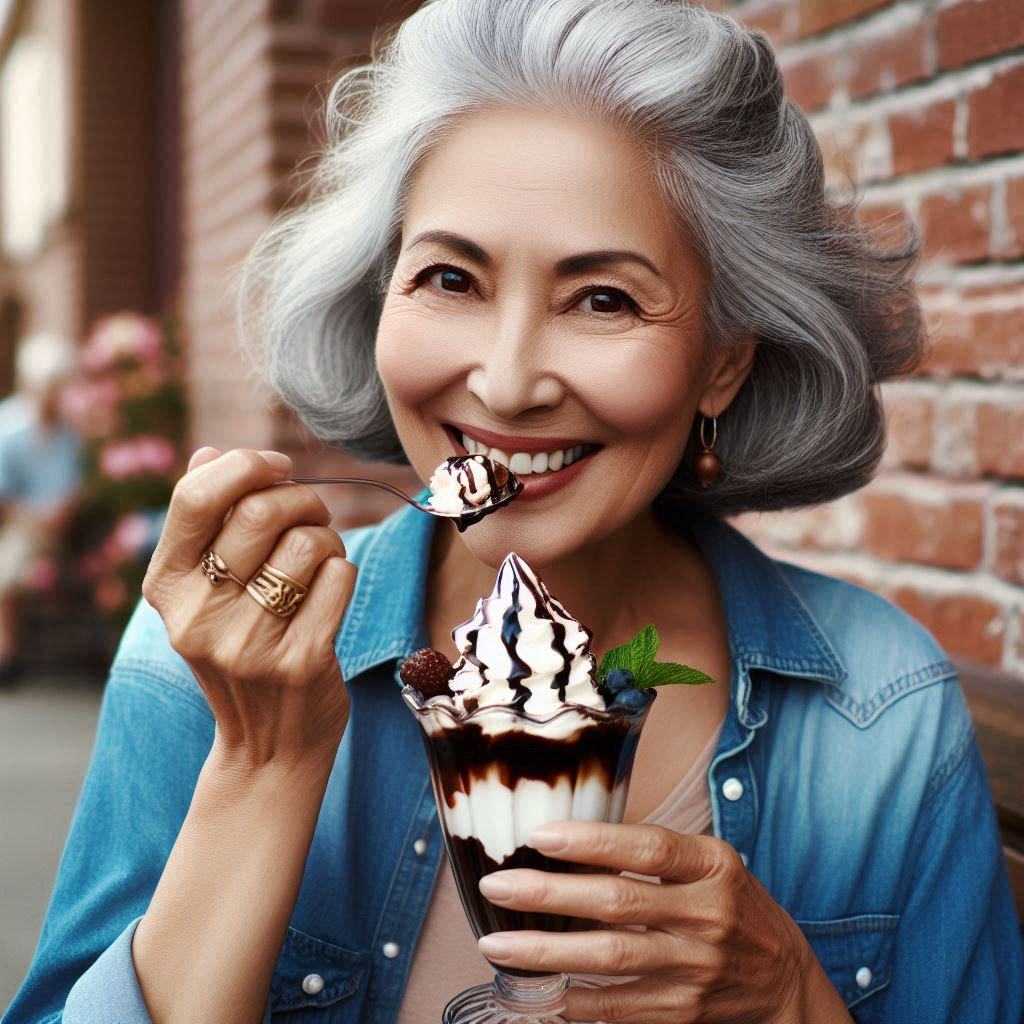
“Guilty!”
Melinda Anderson
This was totally created with AI using Bing Image Creator (CoPilot) as an idea for a possible photo of a guilty pleasure. Yum!
|

“Venezia”
Dave Brez
An image of the Grand Canal created in CoPilot in black and white, then modified in Lightroom adding a sepia preset and some other adjustments.
|
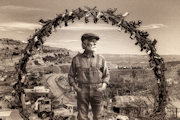
“Under the Guns”
Melinda Anderson
Photo Description: I added the character of the older man to my own photograph of the Ring of Fire arch at the Gold King Mine in Jerome, and then tried to unify the image by converting to black and white with a brown tone and added grain. I used CoPilot(Bing Image Creator) for the AI part of the process.
|
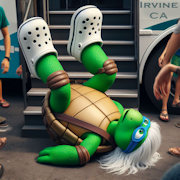
“Yup this was me!”
Stephanie Brown
I used AI to illustrate an event I had while getting on a bus. I used Bing Image Creator with a prompt similar to this: " cartoon style, seen from ground level, Green turtle with white hair and blue crocs on feet, on back, on stairs with feet in the air, falling down stairs, with bus wheel visible and seen though surrounding people"
|
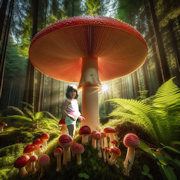
“Happy Birthday”
Stephanie Brown
I used Image Creator on Bing to create a forest with mushrooms and then in Photoshop I inserted an old photo of a friend's daughter. it was for a birthday card to the little girl, now 51!
|
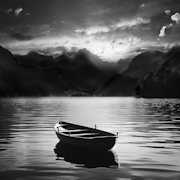
“Rowboat on Lake B&W”
Dave Brez
I used the Bing Image Generator. The boat, the lake and mountains are all AI generated. Some Lightroom adjustments, then a Photoshop sky replacement.
|
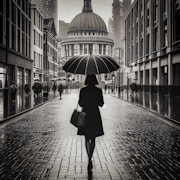
“Woman with Black Umbrella BW”
Dave Brez
I used the Bing Image Generator. Additional Lightroom adjustments were made.
|
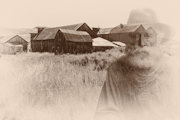
"Echos of Bodie's Past”
Melinda Anderson
I created this image starting with my photo of the ghost town of Bodie and overlaying it with an image of "Old Will", a character I created using Bing Image Creator. It was edited in Photoshop and Nik Silver Efex.
|
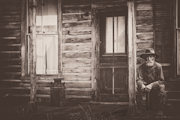
“Taking a Break”
Melinda Anderson
I used Bing Image Creator to create the character of Old Will and then added him to photo I took of a house in Bodie. Edited in Photoshop and Nik Silver Efex.
|
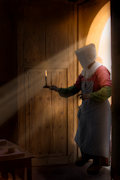
“Dark Chapel”
Stephanie Brown
Composite photo from San Xavier Del Bac doorway plus costumed Lady from Acadian Historical Village in New Brunswick, Canada. I did not have an old lit candle so I used Bing Image creator to create the candle. The image is all my photography except for the candle.
|
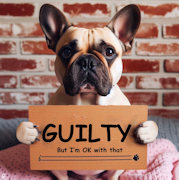
"Guilty"
Martha Court
I needed an ending slide for a recent Keynote presentation. This was quick and easy - AI text generated using Bing. All I did was correct the misspelled word, "GUILTY", and added the second line on the sign.
|
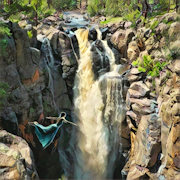
"Sycamore Falls"
Martha Court
This is my photo of Sycamore Falls taken with my Mirrorless Olympus E-M10MarkII. The girl in a swan dive is AI generated using Bing. I then used a stylized filter on my phone (Prisma app)for the final image.
|
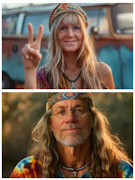
“Two Old Hippies”
Bill Court
Playing with AI software (don't recall which one - possibly on Facebook). Started out with photos of Bill & Martha and ended up with "Two Old Hippies".
|

“Orange Kitty Genie” by Stephanie Brown Created in Bing Image Creator, By Dall-E 3
|
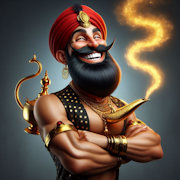
“Ooops! AI goofed” by Stephanie Brown Created in Bing Image Creator, By Dall-E 3
|
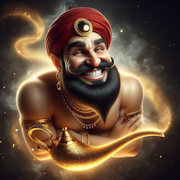
"Grinning Male Genie” by Stephanie Brown Created in Bing Image Creator, By Dall-E 3
|

“Lovely Young Genie” by Stephanie Brown Created in Bing Image Creator, By Dall-E 3
|